How to Build a Tree Inventory for Your Golf Course
A tree inventory is a record of the trees on your property: where they are, what species they are, what condition they are in, and what has been done to them. Most courses do not have one, even though tree decisions draw more scrutiny than almost anything else a superintendent does. We covered why the usual tools fail in why tree management software in golf is broken. This guide covers how to build an inventory with your own crew, without hiring a consultant or buying municipal forestry software.
You do not need to inventory every tree
A city forestry department inventories every street tree because regulations require it. A golf course does not. Start with the trees that actually come up in decisions:
- Trees with visible defects or decline that could become hazards
- Trees near greens and tees that affect airflow and sunlight
- Specimen trees the membership cares about
- Areas you already watch season after season
On most properties that is a manageable list, and you can always add more trees later.
Add trees from where you stand
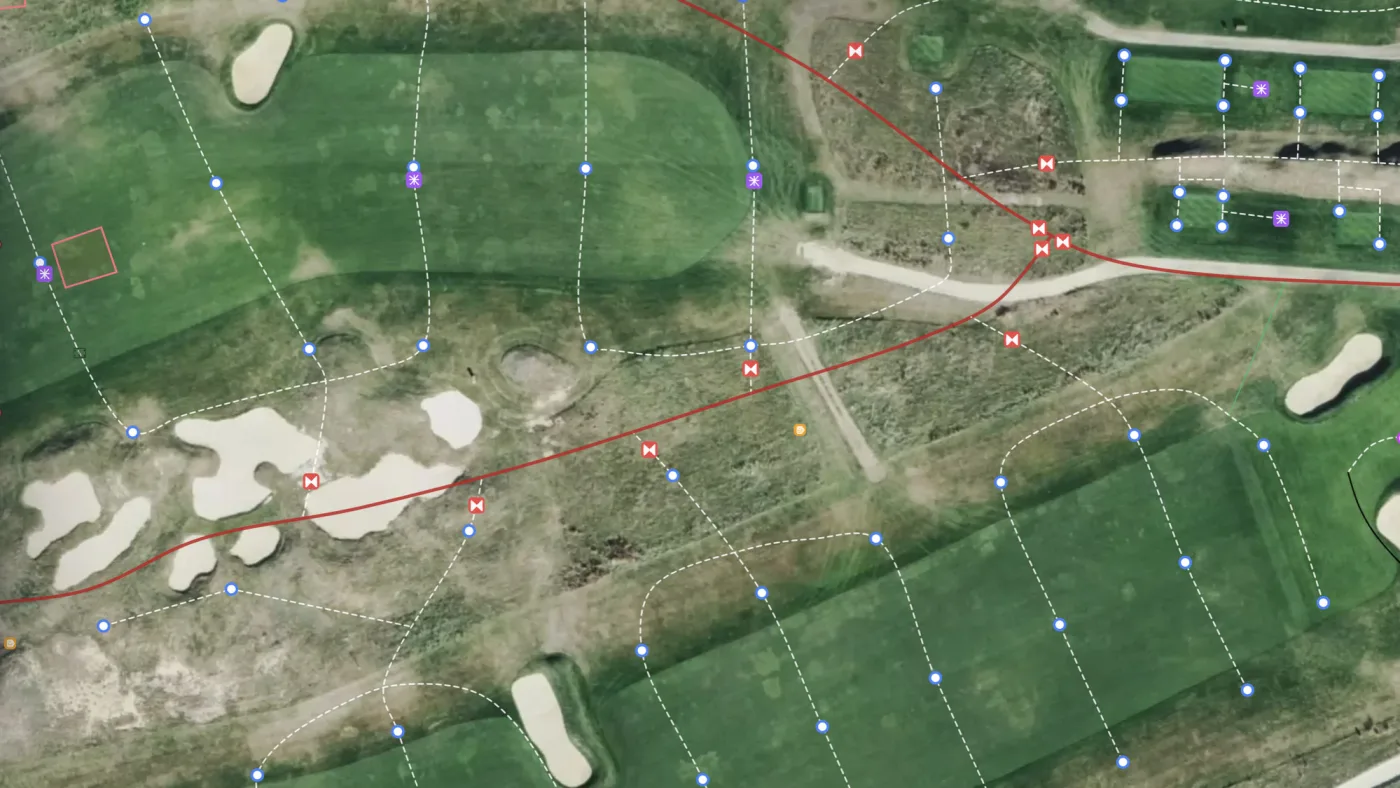
Walk to the tree and drop a pin from your phone. In Turfile you pick the species from a database of more than 3,000, so the record says Acer saccharum instead of “big maple by 7 green,” and every entry comes out consistent no matter who adds it. No GIS skills are involved, so the work can be spread across the crew.
Record what future decisions need
For each tree, capture what you can observe from the ground:
- Species
- Height and trunk diameter
- Condition, with photos
- A recommended action, if one is needed
This takes a minute or two per tree. The photos matter most over time, because a photo from each season shows whether a tree is actually declining.
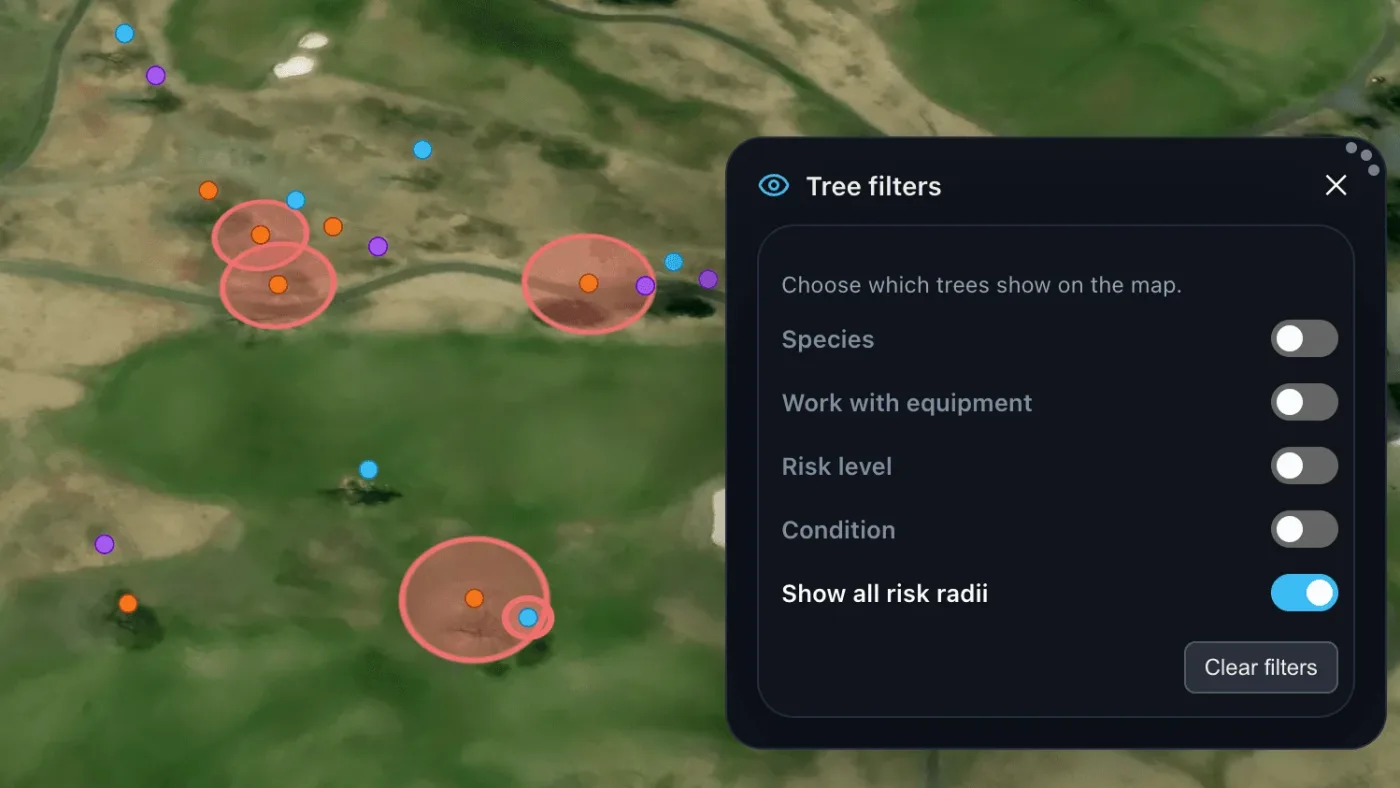
Give hazard trees a risk radius
Any tree of concern gets a risk radius in Turfile, and its impact zone appears on the map, showing exactly what it could reach: a cart path, a green, a parking area. When it is time to plan removals, filter the map down to just your hazard trees.
This documentation also matters when a removal gets questioned. You can answer with the tree’s record: its condition scores, its photos across seasons, and its fall zone reaching the cart path.
Log the work as it happens
Every inspection, pruning, and removal gets recorded on the tree itself, the same way your crew logs work on any other asset on the map. Storm damage gets photographed and pinned where it happened. After a few seasons the property has a documented tree history that survives staff changes. Most courses never build that history, because the knowledge stays in people’s heads and leaves with them.
Frequently asked questions
Do we need an arborist to build a tree inventory? Not to start one. Location, species, size, condition, and photos are all things your crew can capture. Bring in an arborist for formal risk assessments of the trees you flag, and put their findings on the tree’s record.
How long does it take? Adding a tree takes a minute or two, so a focused pass over the trees that matter is a few days of work, and it folds easily into jobs the crew is already doing on the course.
Where should we start? Hazard trees first, because they carry the most risk and draw the most questions. Then the trees around greens where airflow and shade drive turf decisions. The tree management docs walk through the workflow from your first tree to filtering hazard trees across the property.